


Image Data Flashing Tool for FROM [Image Date Generator]
Major changes and downloads of past versions
-
2026-04-14
V1.0.0
First Edition
Image Data Flashing Tool for Module FROM
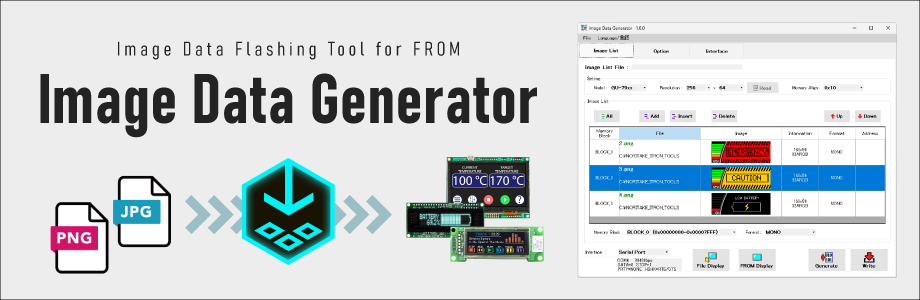
[Image Data Generator] is a tool used to flash image data, created on a PC, into the FROM (Flash ROM) embedded in VFD, OLED, and TFT display modules.
The flashed image data can be displayed on the screen by referencing its address via commands, helping to reduce the processing load on the host system.
How to use
1. Download "Image Data Generator" and install it on your PC.
2. Connect the display module to the PC and turn on the power.
3. Launch "Image Data Generator."
4. In "Settings," configure the model and resolution of the connected module.
5. In the "Interface Settings" tab, select the COM port to which the module is connected.
Configure communication parameters (such as baud rate) according to the display module specifications and your PC connection environment.
6. In the "Image List" tab, click the "Add" button and select the images you want to flash. The selected images will appear in the list.
7. Select an image from the list and click the "Display File" button to display it on the module.
8. Click the "Generate/Write" button to flash the image data into the module’s FROM (Flash ROM).
9. Click the "Generate Data" button to generate header files and converted image data for development use.
10. From the menu bar, select "File" > "Save" to save the edited image list.
Operating environment
・Compatible product:
VFD Module GU-3000 / GU-7000 series
OLED Module GE series
Touch TFT Module GT-CP series
・OS: Windows 11